> ## Documentation Index
> Fetch the complete documentation index at: https://docs.uniblock.dev/llms.txt
> Use this file to discover all available pages before exploring further.
# Auto-routing
> Intelligent request routing across multiple blockchain providers for maximum reliability and cost efficiency.
# What is auto-routing?
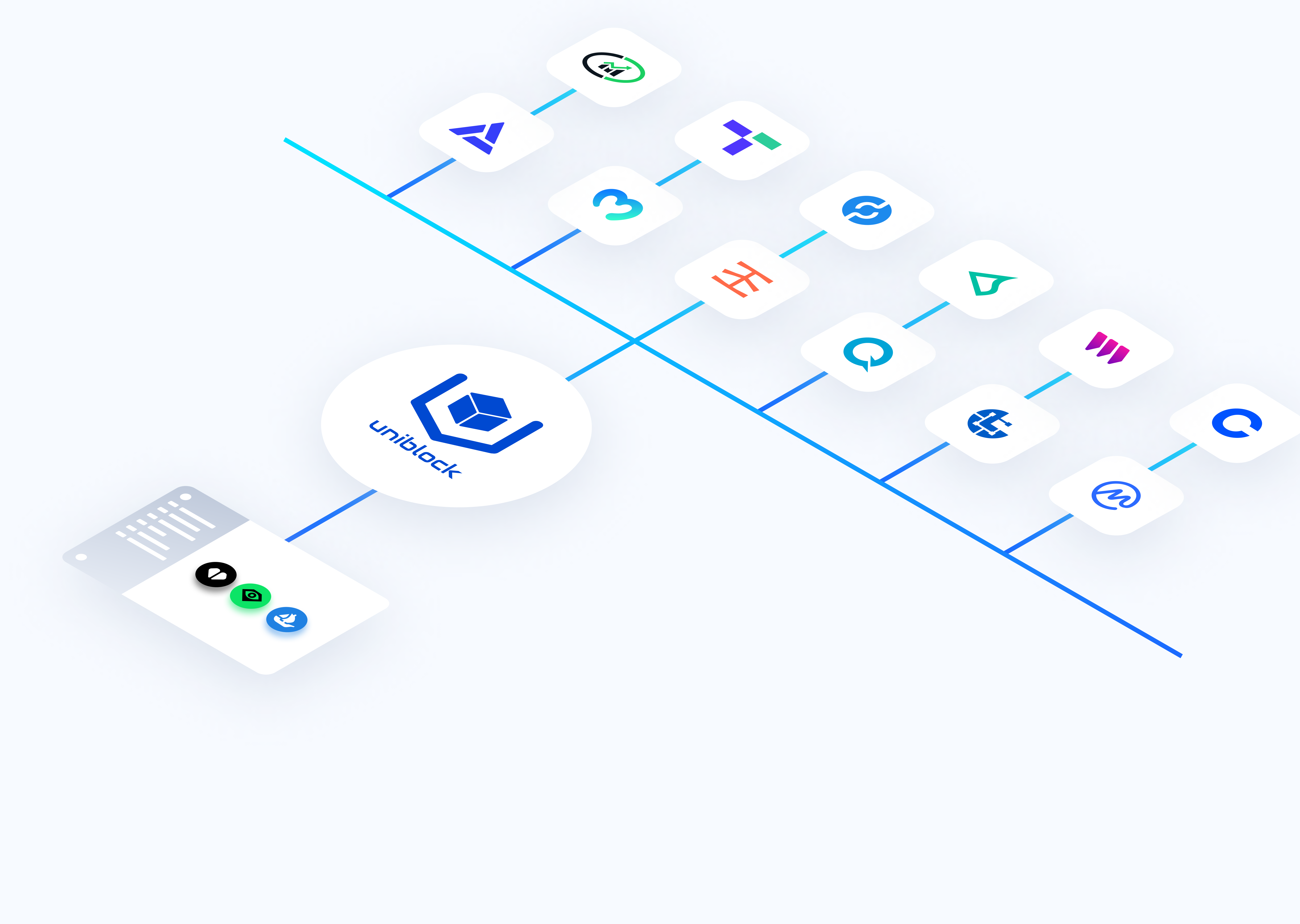
Auto-routing automatically directs your API calls to the best available blockchain data provider based on reliability, cost, and performance. Instead of managing multiple provider keys and handling failovers manually, Uniblock routes requests intelligently and switches providers seamlessly when issues occur.
**Use auto-routing when you need:**
* Guaranteed uptime with automatic failover
* Cost-optimized provider selection
* Multi-provider redundancy without manual configuration
* Verified data accuracy across providers
Auto-routing is enabled by default for all Uniblock API keys. No setup required.
***
## Quick example
See auto-routing in action with a simple API call:
```bash Standard API call with auto-routing theme={null}
curl --location \
'https://api.uniblock.dev/uni/v1/token/balances?chainId=1&address=0x742d35Cc6634C0532925a3b844Bc9e7595f0bEb' \
--header 'x-api-key: YOUR_API_KEY'
```
**Behind the scenes, Uniblock:**
1. Routes to the optimal provider (e.g., Alchemy)
2. If Alchemy fails, retries 3 times
3. If still failing, switches to backup (e.g., Infura)
4. Returns the response seamlessly
**You don't need to change anything in your code.** Auto-routing handles all provider management automatically.
***
## How it works
When you make an API call with your Uniblock key:
1. **Route selection** - Uniblock evaluates available providers for cost and reliability
2. **Primary request** - Your call is routed to the optimal provider
3. **Auto-retry** - If the call fails, it's automatically retried with the same provider
4. **Failover** - After max retries, the request routes to the next best provider
5. **Data verification** - (Pro+ plans) Response data is verified across multiple providers
 ***
## Core features
### Default routing
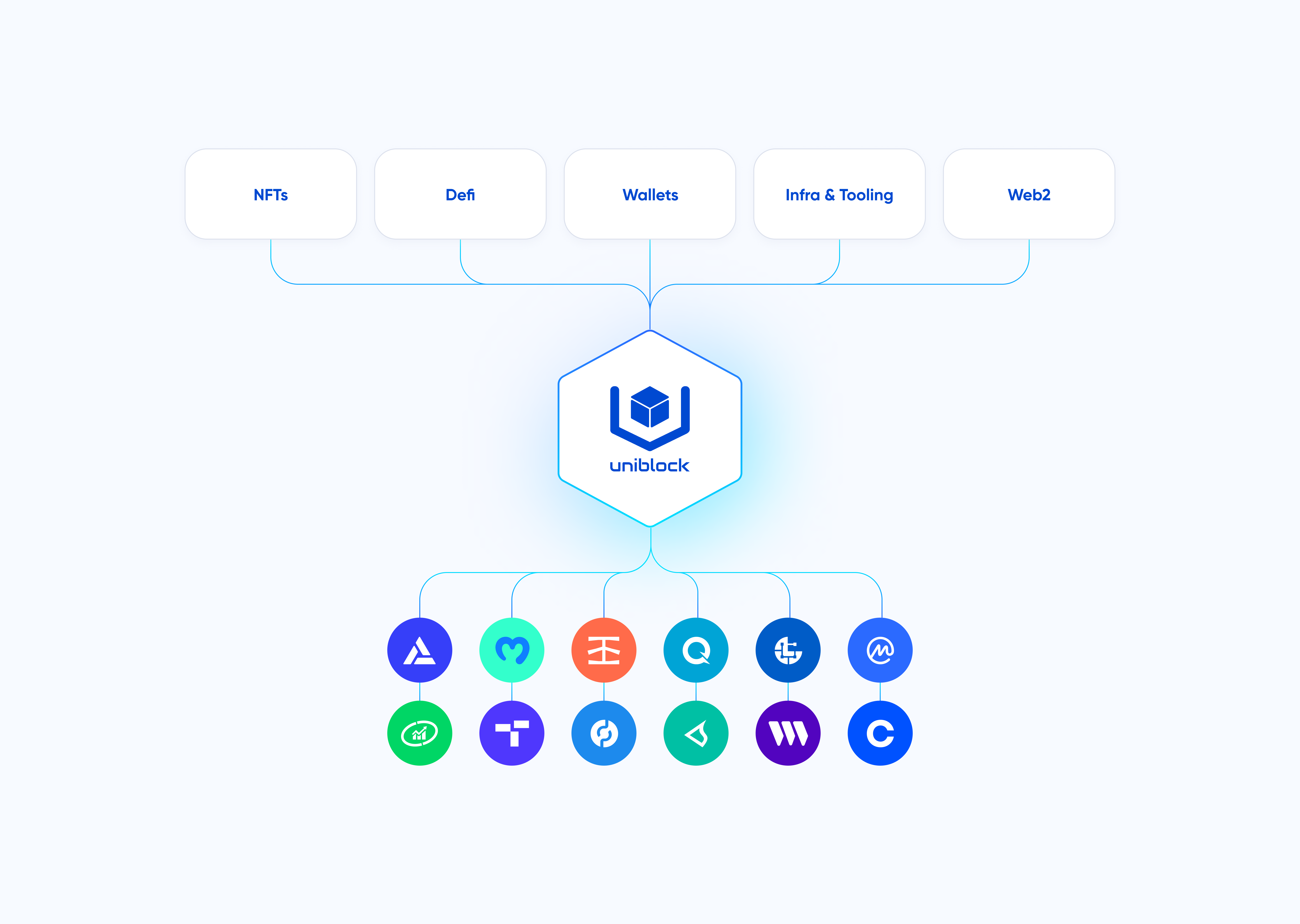
Access all Uniblock-integrated providers with a single API key. No provider selection or configuration required.
**Available on:** All plans (including free)
**Key benefits:**
* Instant access to 30+ blockchain data providers
* Pre-configured backup provider list
* Works immediately with free tier
[Learn more about default routing →](/guides/uniblock/autorouting/uniblock-default-routing)
### Backup providers
Automatic failover to backup providers when the primary provider is unavailable or rate-limited.
**Available on:** All plans (including free)
**Key benefits:**
* Zero downtime during provider outages
* Seamless failover without code changes
* Configurable priority list for custom routing
**Example scenario:**
Your app makes 1,000 requests/minute. Your primary provider (Alchemy) hits rate limits at request #500. Auto-routing automatically switches to your backup provider (Infura) for requests #501-1000 without dropping a single call.
[Learn more about backup providers →](/guides/uniblock/autorouting/uniblock-backup)
### Data consensus
Available on Pro plans and above
Verifies response data across multiple providers to ensure accuracy.
**Key benefits:**
* Eliminates incorrect data from single-provider errors
* Detects and filters outlier responses
* Ensures data consistency for critical operations
**Example scenario:**
Your app requests the current ETH price. Data consensus queries 3 providers:
* Provider A: \$2,500.00
* Provider B: \$2,501.50
* Provider C: \$25,000.00 (outlier)
The system detects Provider C's outlier and returns the consensus value of \~\$2,500, preventing a critical pricing error.
***
## Core features
### Default routing
Access all Uniblock-integrated providers with a single API key. No provider selection or configuration required.
**Available on:** All plans (including free)
**Key benefits:**
* Instant access to 30+ blockchain data providers
* Pre-configured backup provider list
* Works immediately with free tier
[Learn more about default routing →](/guides/uniblock/autorouting/uniblock-default-routing)
### Backup providers
Automatic failover to backup providers when the primary provider is unavailable or rate-limited.
**Available on:** All plans (including free)
**Key benefits:**
* Zero downtime during provider outages
* Seamless failover without code changes
* Configurable priority list for custom routing
**Example scenario:**
Your app makes 1,000 requests/minute. Your primary provider (Alchemy) hits rate limits at request #500. Auto-routing automatically switches to your backup provider (Infura) for requests #501-1000 without dropping a single call.
[Learn more about backup providers →](/guides/uniblock/autorouting/uniblock-backup)
### Data consensus
Available on Pro plans and above
Verifies response data across multiple providers to ensure accuracy.
**Key benefits:**
* Eliminates incorrect data from single-provider errors
* Detects and filters outlier responses
* Ensures data consistency for critical operations
**Example scenario:**
Your app requests the current ETH price. Data consensus queries 3 providers:
* Provider A: \$2,500.00
* Provider B: \$2,501.50
* Provider C: \$25,000.00 (outlier)
The system detects Provider C's outlier and returns the consensus value of \~\$2,500, preventing a critical pricing error.
 [Learn more about data consensus →](/guides/uniblock/autorouting/uniblock-data-consensus)
***
## Common use cases
Ensure 99.99% uptime with automatic failover across multiple providers.
Automatically route to the cheapest provider without sacrificing reliability.
Seamlessly switch providers when rate limits are hit.
Verify critical data across multiple sources with data consensus.
***
## Next steps
Learn how default routing works and try it without an API key.
Configure custom failover lists for maximum reliability.
Optimize for cost and performance automatically.
Verify data accuracy across multiple providers.
***
## Common pitfalls
**Free tier limitations** - Default routing on the free tier has rate limits suitable for testing only. Upgrade to Growth or higher for production use.
**Data consensus latency** - Data consensus adds \~100-200ms latency as it queries multiple providers. Only enable for critical data where accuracy is paramount.
**Retry latency** - Auto-retry adds latency to failed requests (1-7 seconds depending on configuration). Factor this into timeout settings.
***
Create your free account and start building with unified blockchain infrastructure across 100+ chains.
Explore all available endpoints and interactive playgrounds
Get help from our team and connect with other developers
[Learn more about data consensus →](/guides/uniblock/autorouting/uniblock-data-consensus)
***
## Common use cases
Ensure 99.99% uptime with automatic failover across multiple providers.
Automatically route to the cheapest provider without sacrificing reliability.
Seamlessly switch providers when rate limits are hit.
Verify critical data across multiple sources with data consensus.
***
## Next steps
Learn how default routing works and try it without an API key.
Configure custom failover lists for maximum reliability.
Optimize for cost and performance automatically.
Verify data accuracy across multiple providers.
***
## Common pitfalls
**Free tier limitations** - Default routing on the free tier has rate limits suitable for testing only. Upgrade to Growth or higher for production use.
**Data consensus latency** - Data consensus adds \~100-200ms latency as it queries multiple providers. Only enable for critical data where accuracy is paramount.
**Retry latency** - Auto-retry adds latency to failed requests (1-7 seconds depending on configuration). Factor this into timeout settings.
***
Create your free account and start building with unified blockchain infrastructure across 100+ chains.
Explore all available endpoints and interactive playgrounds
Get help from our team and connect with other developers