> ## Documentation Index
> Fetch the complete documentation index at: https://docs.uniblock.dev/llms.txt
> Use this file to discover all available pages before exploring further.
# Data polyfill
> Automatic data completion across providers when gaps or outages occur.
# What is data polyfill?
Data polyfill automatically fills gaps in blockchain data when your primary provider has incomplete coverage. Uniblock detects missing data for specific chains, time periods, or data types and seamlessly retrieves it from alternative providers.
**Use data polyfill when you need:**
* Complete historical data across all chains
* Consistent data availability regardless of provider limitations
* Automatic handling of provider-specific gaps
* Zero manual provider switching
Data polyfill is enabled by default for all Uniblock users. No configuration
required.
***
## How it works
Uniblock continuously monitors data completeness across providers. When gaps are detected:
1. **Gap detection** - System identifies missing or incomplete data from primary provider
2. **Provider selection** - Automatically selects best alternative provider for the missing data
3. **Data retrieval** - Fetches complete data from backup provider
4. **Unified response** - Returns complete dataset to your application
**Result:** You always get complete data without manual provider switching.
***
## Polyfill scenarios
### Missing chain coverage
**Scenario:** Provider A has Ethereum data but missing Polygon data.
**What happens:**
1. Request for Polygon token balances sent to Provider A
2. Provider A returns no data or error
3. Uniblock detects missing Polygon coverage
4. Request automatically routes to Provider B (has Polygon data)
5. Complete Polygon data returned to your application
```bash Request with automatic chain polyfill theme={null}
curl --location \
'https://api.uniblock.dev/uni/v1/token/balances?chainId=137&address=0x742d35Cc6634C0532925a3b844Bc9e7595f0bEb' \
--header 'x-api-key: YOUR_API_KEY'
```
**Result:** Seamless access to Polygon data even when primary provider doesn't support it.
### Historical data gaps
**Scenario:** Provider C has recent transactions but missing historical data.
**What happens:**
1. Request for transactions from 2020 sent to Provider C
2. Provider C returns only data from 2022 onwards
3. Uniblock detects historical gap (2020-2021)
4. Backfills missing period from Provider D
5. Complete historical dataset returned
```bash Request with automatic historical backfill theme={null}
curl --location \
'https://api.uniblock.dev/uni/v1/transactions?chainId=1&address=0x742d35Cc6634C0532925a3b844Bc9e7595f0bEb&startDate=2020-01-01&endDate=2023-12-31' \
--header 'x-api-key: YOUR_API_KEY'
```
**Result:** Complete transaction history without gaps or missing periods.
### Incomplete metadata
**Scenario:** Provider E returns incomplete NFT metadata.
**What happens:**
1. Request for NFT details sent to Provider E
2. Provider E returns basic data but missing image URLs and attributes
3. Uniblock detects incomplete metadata
4. Enriches response with metadata from Provider F
5. Complete NFT data with all fields returned
```bash Request with automatic metadata enrichment theme={null}
curl --location \
'https://api.uniblock.dev/uni/v1/nft/metadata?chainId=1&contractAddress=0xBC4CA0EdA7647A8aB7C2061c2E118A18a936f13D&tokenId=1' \
--header 'x-api-key: YOUR_API_KEY'
```
**Response with polyfilled metadata:**
```json theme={null}
{
"tokenId": "1",
"name": "Bored Ape #1",
"description": "The Bored Ape Yacht Club...",
"image": "ipfs://QmRRPWG96cmgTn2qSzjwr2qvfNEuhunv6FNeMFGa9bx6mQ",
"attributes": [
{
"trait_type": "Background",
"value": "Orange"
},
{
"trait_type": "Eyes",
"value": "Bored"
}
]
}
```
**Result:** Complete NFT metadata without manual enrichment.
***
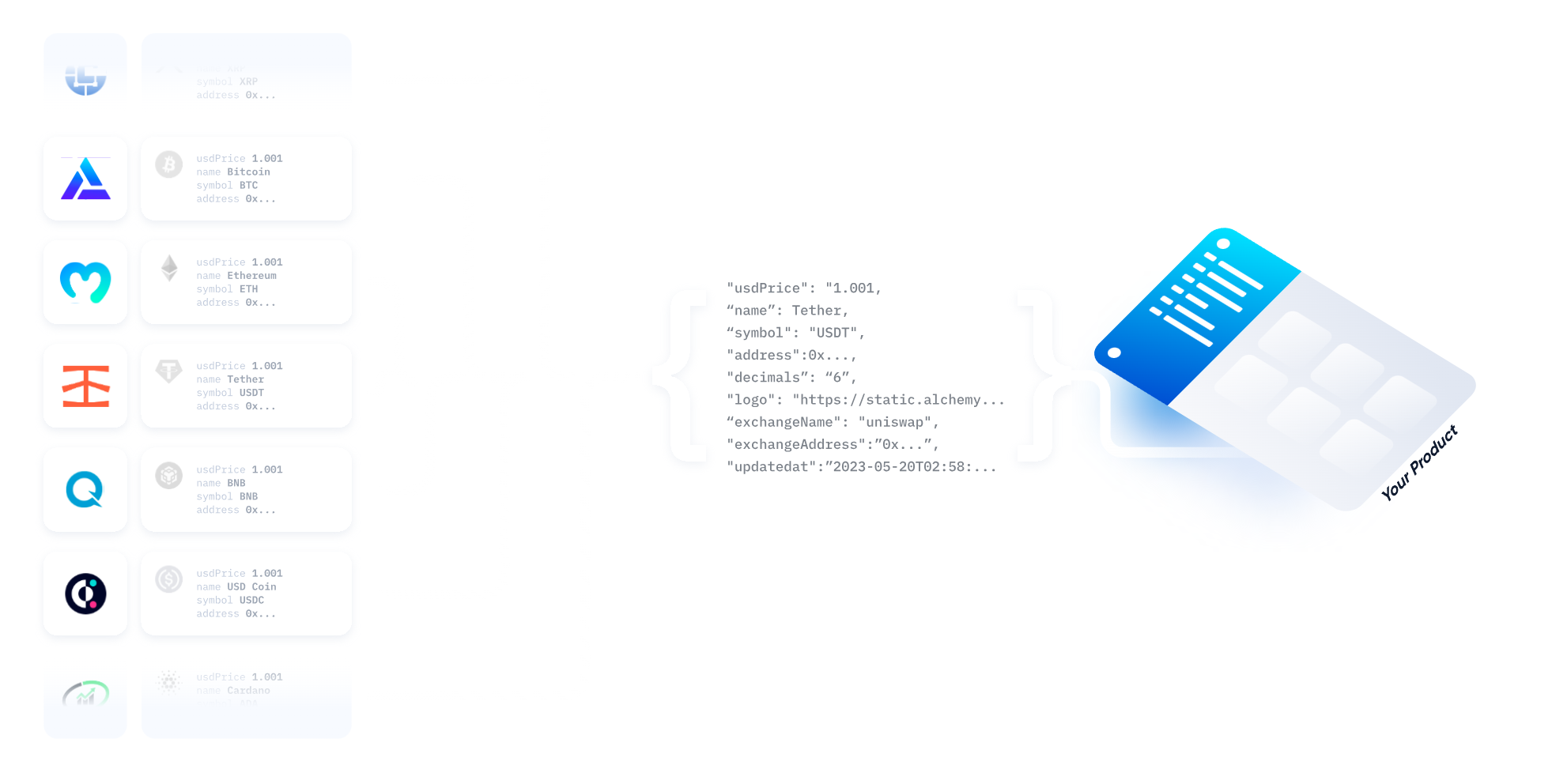
## Unified backup
If your primary provider experiences an outage, Uniblock seamlessly switches to backup providers without returning errors to your application.
**Failover chain example:**
1. Primary: Alchemy (fastest, most reliable)
2. Backup 1: QuickNode (high reliability)
3. Backup 2: Ankr (stable fallback)
**Typical failover time:** \< 500ms
 ***
## Common polyfill scenarios
### Multi-chain applications
**Challenge:** Building a portfolio tracker that supports 20+ chains, but no single provider covers all chains.
**Solution:** Uniblock automatically routes each chain to the provider with best coverage:
* Ethereum → Alchemy
* Polygon → Covalent
* Arbitrum → QuickNode
* Base → Moralis
**Your code:**
```bash Single request, multiple providers behind the scenes theme={null}
curl --location \
'https://api.uniblock.dev/uni/v1/portfolio?address=0x742d35Cc6634C0532925a3b844Bc9e7595f0bEb&chainIds=1,137,42161,8453' \
--header 'x-api-key: YOUR_API_KEY'
```
**Result:** Complete portfolio data across all chains from a single API call.
### Historical analytics
**Challenge:** Analyzing token transfers over 3 years, but provider only has 1 year of history.
**Solution:** Uniblock automatically:
1. Fetches recent data (last year) from primary provider
2. Backfills older data (2+ years ago) from archival provider
3. Merges datasets into single response
**Result:** Complete historical dataset without manual data stitching.
### NFT marketplaces
**Challenge:** Displaying NFT collections with complete metadata, but providers have inconsistent metadata quality.
**Solution:** Uniblock automatically:
1. Fetches basic NFT data from primary provider
2. Enriches with high-quality metadata from specialized NFT providers
3. Returns complete NFT details with images, attributes, and rarity
**Result:** Rich NFT displays without multiple API calls or manual enrichment.
***
## Key benefits
Access all chains and historical periods without provider limitations.
Missing data automatically retrieved from alternative providers.
Works automatically - no setup or manual provider management.
Always receive complete datasets regardless of provider gaps.
***
## Monitoring polyfill activity
Track polyfill events in the Uniblock dashboard:
* **Polyfill count** - How many times data was filled from backup providers
* **Gap types** - Chain coverage, historical data, or metadata gaps
* **Provider usage** - Which providers are filling which gaps
* **Data completeness** - Percentage of requests requiring polyfill
**Insights available:**
* Identify which chains require most polyfilling
* Understand historical data coverage across providers
* Optimize provider selection based on your data needs
***
## Best practices
**Request all needed data in single calls** - Uniblock handles multi-provider
routing automatically. Don't split requests unnecessarily.
**Use date ranges for historical queries** - Specify exact date ranges to help
Uniblock optimize provider selection for historical data.
**Monitor polyfill patterns** - Review dashboard to understand which data
types require most polyfilling. This helps optimize your data strategy.
**Trust the automation** - Don't manually switch providers or implement
fallback logic. Uniblock handles this more efficiently.
***
## Next steps
Learn how backup providers ensure high availability.
Understand automatic retry logic for failed requests.
Optimize provider selection for cost and performance.
Monitor polyfill activity and data completeness.
***
## Common pitfalls
**Don't assume single-provider responses** - Polyfilled responses may combine
data from multiple providers. This is expected and ensures completeness.
**Data format consistency** - While Uniblock normalizes responses, minor
differences may exist between providers. Test thoroughly with your data
models.
**Historical data limits** - Some chains have limited historical data across
all providers. Uniblock polyfills where possible but can't create data that
doesn't exist.
**Metadata quality variance** - NFT metadata quality varies by provider.
Uniblock selects best available sources but metadata completeness depends on
original sources.
***
## Common polyfill scenarios
### Multi-chain applications
**Challenge:** Building a portfolio tracker that supports 20+ chains, but no single provider covers all chains.
**Solution:** Uniblock automatically routes each chain to the provider with best coverage:
* Ethereum → Alchemy
* Polygon → Covalent
* Arbitrum → QuickNode
* Base → Moralis
**Your code:**
```bash Single request, multiple providers behind the scenes theme={null}
curl --location \
'https://api.uniblock.dev/uni/v1/portfolio?address=0x742d35Cc6634C0532925a3b844Bc9e7595f0bEb&chainIds=1,137,42161,8453' \
--header 'x-api-key: YOUR_API_KEY'
```
**Result:** Complete portfolio data across all chains from a single API call.
### Historical analytics
**Challenge:** Analyzing token transfers over 3 years, but provider only has 1 year of history.
**Solution:** Uniblock automatically:
1. Fetches recent data (last year) from primary provider
2. Backfills older data (2+ years ago) from archival provider
3. Merges datasets into single response
**Result:** Complete historical dataset without manual data stitching.
### NFT marketplaces
**Challenge:** Displaying NFT collections with complete metadata, but providers have inconsistent metadata quality.
**Solution:** Uniblock automatically:
1. Fetches basic NFT data from primary provider
2. Enriches with high-quality metadata from specialized NFT providers
3. Returns complete NFT details with images, attributes, and rarity
**Result:** Rich NFT displays without multiple API calls or manual enrichment.
***
## Key benefits
Access all chains and historical periods without provider limitations.
Missing data automatically retrieved from alternative providers.
Works automatically - no setup or manual provider management.
Always receive complete datasets regardless of provider gaps.
***
## Monitoring polyfill activity
Track polyfill events in the Uniblock dashboard:
* **Polyfill count** - How many times data was filled from backup providers
* **Gap types** - Chain coverage, historical data, or metadata gaps
* **Provider usage** - Which providers are filling which gaps
* **Data completeness** - Percentage of requests requiring polyfill
**Insights available:**
* Identify which chains require most polyfilling
* Understand historical data coverage across providers
* Optimize provider selection based on your data needs
***
## Best practices
**Request all needed data in single calls** - Uniblock handles multi-provider
routing automatically. Don't split requests unnecessarily.
**Use date ranges for historical queries** - Specify exact date ranges to help
Uniblock optimize provider selection for historical data.
**Monitor polyfill patterns** - Review dashboard to understand which data
types require most polyfilling. This helps optimize your data strategy.
**Trust the automation** - Don't manually switch providers or implement
fallback logic. Uniblock handles this more efficiently.
***
## Next steps
Learn how backup providers ensure high availability.
Understand automatic retry logic for failed requests.
Optimize provider selection for cost and performance.
Monitor polyfill activity and data completeness.
***
## Common pitfalls
**Don't assume single-provider responses** - Polyfilled responses may combine
data from multiple providers. This is expected and ensures completeness.
**Data format consistency** - While Uniblock normalizes responses, minor
differences may exist between providers. Test thoroughly with your data
models.
**Historical data limits** - Some chains have limited historical data across
all providers. Uniblock polyfills where possible but can't create data that
doesn't exist.
**Metadata quality variance** - NFT metadata quality varies by provider.
Uniblock selects best available sources but metadata completeness depends on
original sources.