> ## Documentation Index
> Fetch the complete documentation index at: https://docs.uniblock.dev/llms.txt
> Use this file to discover all available pages before exploring further.
# Uniblock overview
> How Uniblock simplifies multi-chain development with unified APIs, auto-routing, and intelligent data aggregation.
# What Uniblock does
Uniblock is a blockchain infrastructure layer that abstracts away the complexity of working with multiple data providers and chains. Instead of managing dozens of API keys, handling provider outages, and normalizing inconsistent data formats, you get one unified interface that works everywhere.
**Core value proposition:**
* **One API key** replaces 30+ provider integrations
* **Auto-routing** ensures requests always succeed via intelligent failover
* **Normalized data** provides consistent formats across all providers
* **Multi-chain support** for 160+ blockchains with identical API patterns
New to Uniblock? Start with the [Quickstart
Guide](/guides/getting-started/uniblock-quickstart-guide) to make your first
API call in 5 minutes.
***
## How it works
When you make a request to Uniblock:
1. **Request received** - Your API call hits Uniblock's routing layer
2. **Provider selection** - Auto-routing picks the optimal provider based on reliability, latency, and cost
3. **Data retrieval** - Request is sent to the selected provider (e.g., Alchemy, QuickNode, Covalent)
4. **Normalization** - Response is transformed into Uniblock's unified format
5. **Validation** - Data is verified for completeness and accuracy
6. **Failover** - If the provider fails, request automatically retries with backup providers
7. **Response** - You receive consistent, reliable data
```bash Example: Token balance request theme={null}
curl --location \
'https://api.uniblock.dev/uni/v1/token/balances?chainId=1&address=0x742d35Cc6634C0532925a3b844Bc9e7595f0bEb' \
--header 'x-api-key: YOUR_API_KEY'
```
```json Response: Normalized across all providers theme={null}
{
"data": [
{
"tokenAddress": "0xA0b86991c6218b36c1d19D4a2e9Eb0cE3606eB48",
"symbol": "USDC",
"balance": "1000000000",
"decimals": 6,
"balanceFormatted": "1000.00",
"valueUsd": "1000.00"
}
]
}
```
***
## Key features
### Auto-routing
Uniblock automatically routes requests to the best available provider based on real-time performance metrics. If a provider is down or slow, requests instantly failover to backup providers.
**Benefits:**
* **99.9% uptime** - No single point of failure
* **Optimized latency** - Routes to fastest provider for your region
* **Cost efficiency** - Balances requests across providers to minimize costs
* **Zero configuration** - Works automatically, no manual setup required
**How it works:**
* Monitors provider health in real-time
* Tracks latency, error rates, and success rates
* Maintains fallback chains for every endpoint
* Retries failed requests automatically
[Learn more about auto-routing →](/guides/uniblock/autorouting/uniblock-auto-routing)
### Data normalization
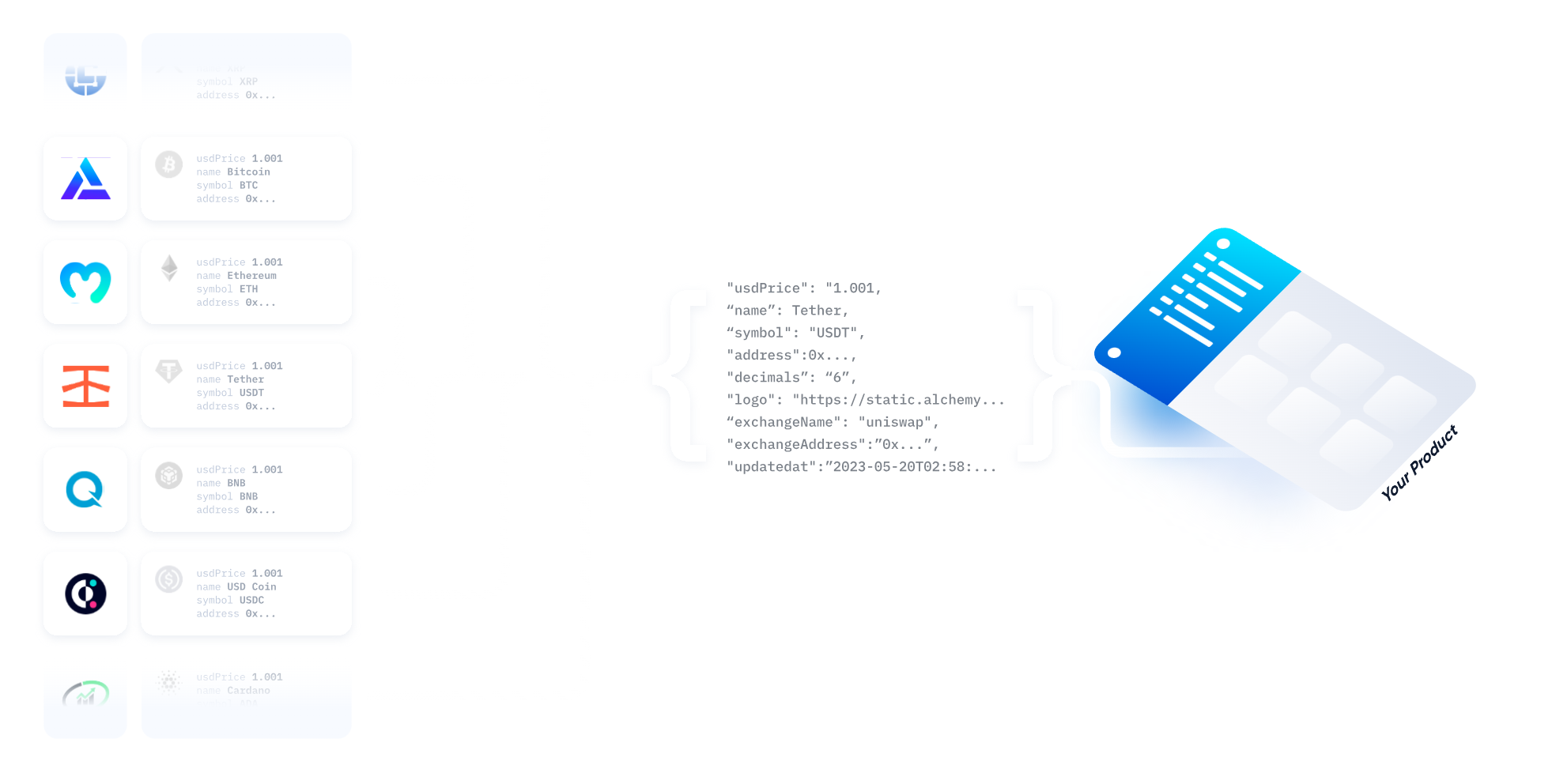
Different providers return data in different formats. Uniblock normalizes all responses into a consistent schema, so you never have to write provider-specific parsing logic.
**Example: Token balance formats**
| Provider | Balance format | Decimals |
| -------- | ----------------------- | -------------- |
| Alchemy | `"1000000000"` (string) | Separate field |
| Moralis | `1000000000` (number) | Separate field |
| Covalent | `"1000.00"` (formatted) | Included |
**Uniblock normalized:**
```json theme={null}
{
"balance": "1000000000",
"decimals": 6,
"balanceFormatted": "1000.00"
}
```
All three formats are unified, so your code works regardless of which provider is used.
[Learn more about data normalization →](/guides/uniblock/autorouting/uniblock-data-normalization)
### Data consensus
For critical queries, Uniblock can query multiple providers simultaneously and return consensus data. This ensures accuracy and catches provider-specific bugs or stale data.
**When to use:**
* High-value transactions requiring verification
* Auditing and compliance scenarios
* Critical balance checks before transfers
**How it works:**
* Queries 2-3 providers in parallel
* Compares responses for consistency
* Returns data only if providers agree
* Flags discrepancies for investigation
Data consensus increases latency and costs. Use it selectively for critical
operations.
### Polyfilled data
Some providers have incomplete data for certain chains or time periods. Uniblock automatically detects gaps and fills them using alternative providers.
**Example scenarios:**
* Provider A has Ethereum data but missing Polygon data → Uniblock uses Provider B for Polygon
* Provider C has recent transactions but missing historical data → Uniblock backfills from Provider D
* Provider E returns incomplete NFT metadata → Uniblock enriches from Provider F
**Result:** You always get complete data without manual provider switching.
[Learn more about data polyfill →](/guides/uniblock/autorouting/uniblock-polyfill)
### Unified backup
If your primary provider experiences an outage, Uniblock seamlessly switches to backup providers without returning errors to your application.
**Failover chain example:**
1. Primary: Alchemy (fastest, most reliable)
2. Backup 1: QuickNode (high reliability)
3. Backup 2: Ankr (stable fallback)
**Typical failover time:** \< 500ms
 ***
## Supported APIs
Uniblock provides unified access to multiple API categories:
Balances, transfers, prices, allowances, and token metadata across all
chains.
Collections, metadata, floor prices, ownership, and transfer history.
Transaction history, receipts, gas estimation, and status tracking.
Real-time prices, historical charts, volume, and trending tokens.
Block explorer data, contract verification, and source code access.
Direct node access with auto-routing for all supported chains.
[View all API endpoints →](/reference/unified-api-reference-overview)
***
## Supported providers
Uniblock integrates with 30+ blockchain data providers to ensure comprehensive coverage and reliability, including: Alchemy, QuickNode, Infura, Ankr, Covalent, Moralis, Blockdaemon, Chainstack, TonAPI, Helius, and more.
***
## When to use Uniblock
### ✅ Use Uniblock when you need:
* **Multi-chain support** - Building apps that work across multiple blockchains
* **High reliability** - Production apps that can't tolerate provider outages
* **Consistent data** - Normalized formats across all providers and chains
* **Fast integration** - One API key instead of managing multiple providers
* **Cost optimization** - Automatic routing to most cost-effective providers
### ⚠️ Consider alternatives when:
* **Single provider is sufficient** - If you only need one chain and one provider, direct integration may be simpler
* **Extreme latency requirements** - Direct provider connections may be 50-100ms faster (though less reliable)
***
## Common use cases
### Wallet applications
Display token balances, NFTs, and transaction history across multiple chains with a single integration.
[Use-case guide: Wallets and portfolio trackers ->](/guides/use-cases/wallets-and-portfolio-trackers)
```bash Get all token balances theme={null}
curl --location \
'https://api.uniblock.dev/uni/v1/token/balances?chainId=1&address=0x742d35Cc6634C0532925a3b844Bc9e7595f0bEb' \
--header 'x-api-key: YOUR_API_KEY'
```
### NFT marketplaces
Query NFT metadata, floor prices, and ownership across all major chains.
[Use-case guide: NFT marketplaces and discovery ->](/guides/use-cases/nft-marketplaces-and-discovery)
```bash Get NFT collection floor price theme={null}
curl --location \
'https://api.uniblock.dev/uni/v1/nft/collection/floor-price?chainId=1&contractAddress=0xBC4CA0EdA7647A8aB7C2061c2E118A18a936f13D' \
--header 'x-api-key: YOUR_API_KEY'
```
### DeFi dashboards
Track token prices, liquidity, and trading activity in real-time.
[Use-case guide: DeFi dashboards and analytics ->](/guides/use-cases/defi-dashboards-and-analytics)
```bash Get token price theme={null}
curl --location \
'https://api.uniblock.dev/uni/v1/market-data/token/price?chainId=1&tokenAddress=0xA0b86991c6218b36c1d19D4a2e9Eb0cE3606eB48' \
--header 'x-api-key: YOUR_API_KEY'
```
### Analytics platforms
Aggregate transaction data and on-chain metrics across multiple chains.
[Use-case guide: DeFi dashboards and analytics ->](/guides/use-cases/defi-dashboards-and-analytics)
```bash Get transaction history theme={null}
curl --location \
'https://api.uniblock.dev/uni/v1/transaction/history?chainId=1&address=0x742d35Cc6634C0532925a3b844Bc9e7595f0bEb&limit=50' \
--header 'x-api-key: YOUR_API_KEY'
```
***
## Next steps
Create your first project and make API calls in 5 minutes.
Explore all available endpoints with interactive playgrounds.
Learn how auto-routing works and how to configure it.
View the complete list of supported blockchains.
***
## Common pitfalls
**Provider-specific features** - Some provider-specific endpoints or features
may not be available through the unified API. Use [Direct
API](/reference/direct-api/overview-direct-api) for provider-specific
functionality.
**Rate limits** - Rate limits apply per API key, not per provider. Monitor
your usage in the [dashboard](https://dashboard.uniblock.dev) to avoid
throttling.
**Chain ID consistency** - Always use numeric chain IDs (e.g., `1` for
Ethereum) or official string identifiers (e.g., `solana`). Inconsistent chain
IDs cause routing errors.
***
## Need help?
* **Documentation** - Search these docs for detailed guides and API references
* **Support** - Contact us at [uniblock.dev/contact](https://www.uniblock.dev/contact)
* **Dashboard** - Monitor usage and manage projects at [dashboard.uniblock.dev](https://dashboard.uniblock.dev)
***
Create your free account and start building with unified blockchain infrastructure across 100+ chains.
Explore all available endpoints and interactive playgrounds
Get help from our team and connect with other developers
***
## Supported APIs
Uniblock provides unified access to multiple API categories:
Balances, transfers, prices, allowances, and token metadata across all
chains.
Collections, metadata, floor prices, ownership, and transfer history.
Transaction history, receipts, gas estimation, and status tracking.
Real-time prices, historical charts, volume, and trending tokens.
Block explorer data, contract verification, and source code access.
Direct node access with auto-routing for all supported chains.
[View all API endpoints →](/reference/unified-api-reference-overview)
***
## Supported providers
Uniblock integrates with 30+ blockchain data providers to ensure comprehensive coverage and reliability, including: Alchemy, QuickNode, Infura, Ankr, Covalent, Moralis, Blockdaemon, Chainstack, TonAPI, Helius, and more.
***
## When to use Uniblock
### ✅ Use Uniblock when you need:
* **Multi-chain support** - Building apps that work across multiple blockchains
* **High reliability** - Production apps that can't tolerate provider outages
* **Consistent data** - Normalized formats across all providers and chains
* **Fast integration** - One API key instead of managing multiple providers
* **Cost optimization** - Automatic routing to most cost-effective providers
### ⚠️ Consider alternatives when:
* **Single provider is sufficient** - If you only need one chain and one provider, direct integration may be simpler
* **Extreme latency requirements** - Direct provider connections may be 50-100ms faster (though less reliable)
***
## Common use cases
### Wallet applications
Display token balances, NFTs, and transaction history across multiple chains with a single integration.
[Use-case guide: Wallets and portfolio trackers ->](/guides/use-cases/wallets-and-portfolio-trackers)
```bash Get all token balances theme={null}
curl --location \
'https://api.uniblock.dev/uni/v1/token/balances?chainId=1&address=0x742d35Cc6634C0532925a3b844Bc9e7595f0bEb' \
--header 'x-api-key: YOUR_API_KEY'
```
### NFT marketplaces
Query NFT metadata, floor prices, and ownership across all major chains.
[Use-case guide: NFT marketplaces and discovery ->](/guides/use-cases/nft-marketplaces-and-discovery)
```bash Get NFT collection floor price theme={null}
curl --location \
'https://api.uniblock.dev/uni/v1/nft/collection/floor-price?chainId=1&contractAddress=0xBC4CA0EdA7647A8aB7C2061c2E118A18a936f13D' \
--header 'x-api-key: YOUR_API_KEY'
```
### DeFi dashboards
Track token prices, liquidity, and trading activity in real-time.
[Use-case guide: DeFi dashboards and analytics ->](/guides/use-cases/defi-dashboards-and-analytics)
```bash Get token price theme={null}
curl --location \
'https://api.uniblock.dev/uni/v1/market-data/token/price?chainId=1&tokenAddress=0xA0b86991c6218b36c1d19D4a2e9Eb0cE3606eB48' \
--header 'x-api-key: YOUR_API_KEY'
```
### Analytics platforms
Aggregate transaction data and on-chain metrics across multiple chains.
[Use-case guide: DeFi dashboards and analytics ->](/guides/use-cases/defi-dashboards-and-analytics)
```bash Get transaction history theme={null}
curl --location \
'https://api.uniblock.dev/uni/v1/transaction/history?chainId=1&address=0x742d35Cc6634C0532925a3b844Bc9e7595f0bEb&limit=50' \
--header 'x-api-key: YOUR_API_KEY'
```
***
## Next steps
Create your first project and make API calls in 5 minutes.
Explore all available endpoints with interactive playgrounds.
Learn how auto-routing works and how to configure it.
View the complete list of supported blockchains.
***
## Common pitfalls
**Provider-specific features** - Some provider-specific endpoints or features
may not be available through the unified API. Use [Direct
API](/reference/direct-api/overview-direct-api) for provider-specific
functionality.
**Rate limits** - Rate limits apply per API key, not per provider. Monitor
your usage in the [dashboard](https://dashboard.uniblock.dev) to avoid
throttling.
**Chain ID consistency** - Always use numeric chain IDs (e.g., `1` for
Ethereum) or official string identifiers (e.g., `solana`). Inconsistent chain
IDs cause routing errors.
***
## Need help?
* **Documentation** - Search these docs for detailed guides and API references
* **Support** - Contact us at [uniblock.dev/contact](https://www.uniblock.dev/contact)
* **Dashboard** - Monitor usage and manage projects at [dashboard.uniblock.dev](https://dashboard.uniblock.dev)
***
Create your free account and start building with unified blockchain infrastructure across 100+ chains.
Explore all available endpoints and interactive playgrounds
Get help from our team and connect with other developers